
100 vs 120 Inch Projector Screen: Room Size Guide
Compare the real width, seating comfort and projector placement for 100-inch and 120-inch 16:9 screens.
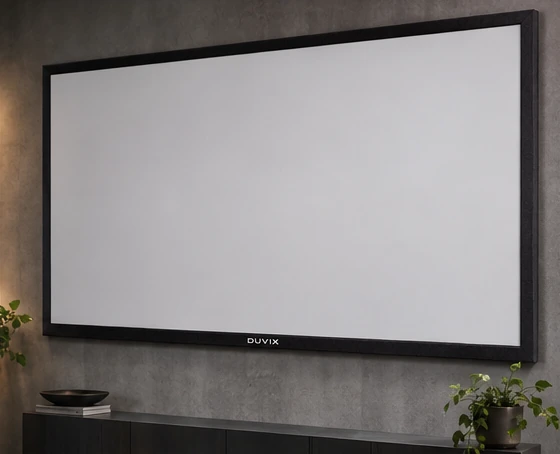
Measure the wall in width and height
A 100-inch 16:9 image is about 221 cm wide and 125 cm high. A 120-inch image is about 266 cm wide and 149 cm high. Those are image dimensions. Add space for the frame or casing and check whether furniture, doors or speakers overlap it.
Use the seating position to decide
Mark both sizes with tape and look from your usual seat. Check whether you can read subtitles and scan the screen comfortably. In a multipurpose living room, consider the nearest and farthest seats and whether the bottom of the image clears furniture.
Confirm what the projector can deliver
For a fixed throw ratio, the larger image needs more lens-to-screen distance. With the same projector output, the larger area can also look dimmer. Check exact model placement, screen surface and actual room lighting before ordering.
Browse related DUVIX products → · Request a quote →
What to compare before buying
Mark both 16:9 screen sizes on the wall before ordering. Check whether the larger frame clears the console and speakers.