
Portrait vs Landscape Digital Signage for Retail
Choose screen orientation using the space and artwork available in your shop. Test both layouts before commissioning a full set of promotional designs.
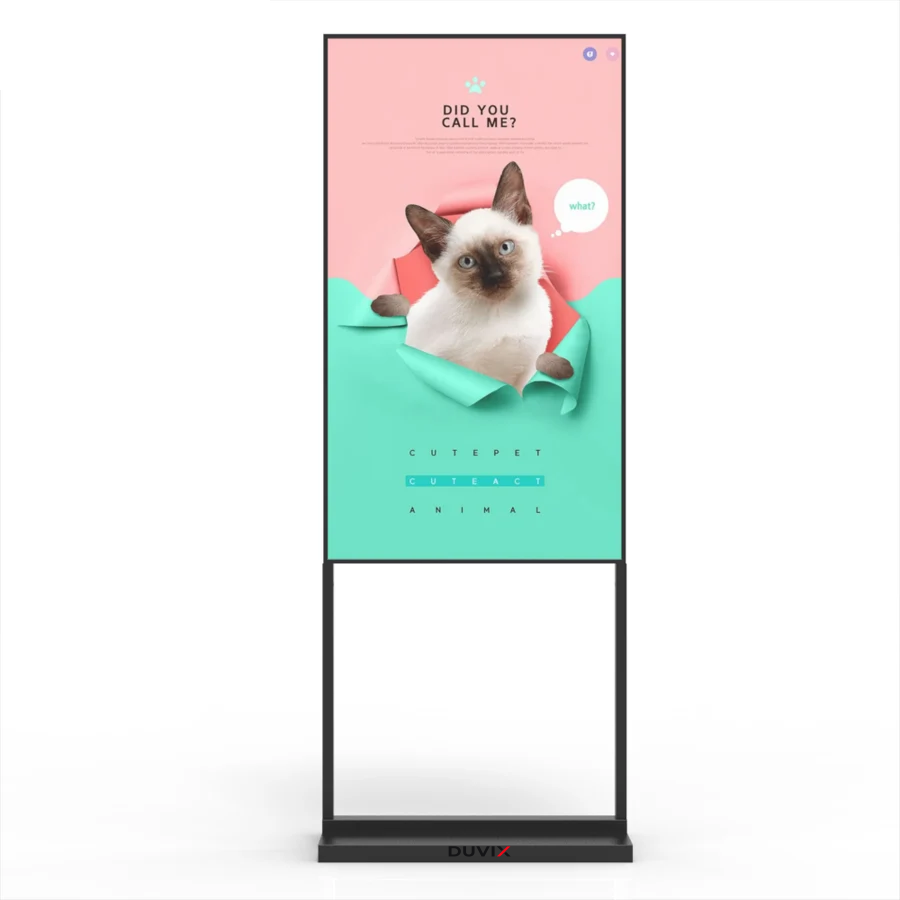
Mock up both layouts
Print or tape the proposed outlines at the intended location. Walk the entrance route and check sightlines around shelves and doors. Prepare the same promotion in portrait and landscape, then compare the headline, price and product image from the customer’s usual stopping point.
Confirm the physical configuration
Ask the supplier to identify a model and mount that support the chosen orientation. Review cable access, ventilation requirements and where staff will operate the player. Give the designer the confirmed pixel dimensions before preparing final artwork. Attach site photos and both mock-ups to the DUVIX quote form.
Explore DUVIX products · Request a quote
What to check on site
Mock up the same promotion in both orientations using the actual product photos before you choose a screen mount.