
Gaming Projector for PS5: Input Lag and 120 Hz
Compare gaming projectors for PS5 using measured input lag, supported resolution and refresh combinations, and HDMI compatibility.
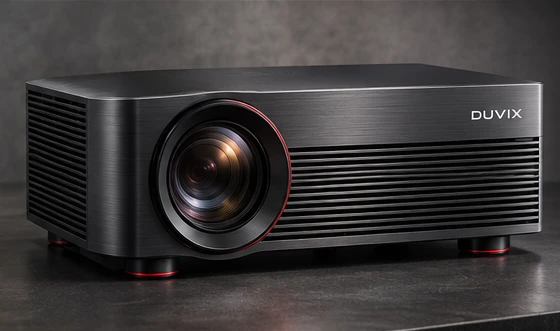
Compare input lag at the settings you play
Look for measured input lag at the resolution and refresh rate you intend to use. One quoted number can apply to a different signal mode. Use the projector’s game mode during testing, and check whether features such as geometric correction affect that mode on your model.
Verify which HDMI signals are supported
Check the console, projector and any receiver or soundbar in between. Find the manufacturer’s supported resolution and refresh combinations for the input you’ll use. A port label alone gives less detail than the compatibility table. If you want higher refresh rates, confirm support for the games you play as well.
Try a game you know well
Use a familiar game to check aiming or timing, readability of fine text, and visibility of dark scenes. Test with your normal lighting and seating position. Confirm where the console and projector will sit so you know the cable length before buying.
Browse projector concepts → · Request a quote →
What to compare before buying
Verify the projector accepts your preferred PS5 resolution and refresh rate together, then compare input lag in game mode.