
Long HDMI Cable for Projectors: Copper vs Fibre Optic
Plan a long projector cable route and compare passive HDMI, active optical HDMI and extender options.
Measure the route rather than the room
Measure the path through furniture, walls or ceiling space and include room for service slack. Decide which hardware and video signal the cable must handle. Check the specifications at the exact cable length you intend to buy.
Compare the available cable types
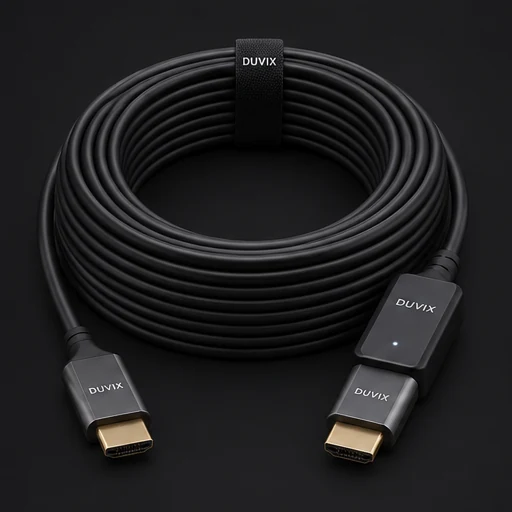
A passive cable is straightforward for a short run. For longer runs, consider an active optical cable or an appropriate extender, based on the signal, available power and routing constraints. Optical HDMI assemblies can be directional. Check the markings before installation.
Test before hiding the cable
Connect the full route, including any switch or wall plate, and run the resolution and refresh rate you actually use. Test sound as well as picture. If possible, leave a serviceable path so the cable can be replaced without removing finished surfaces.
Browse related DUVIX products → · Request a quote →
What to test first
Test the actual cable length with the intended resolution and refresh rate before routing it through the ceiling.