
USB-C Power Bank and Cable: Match PD Wattage
Match a USB-C power bank and cable to your phone, tablet, or laptop by checking power, capacity, and compatibility.
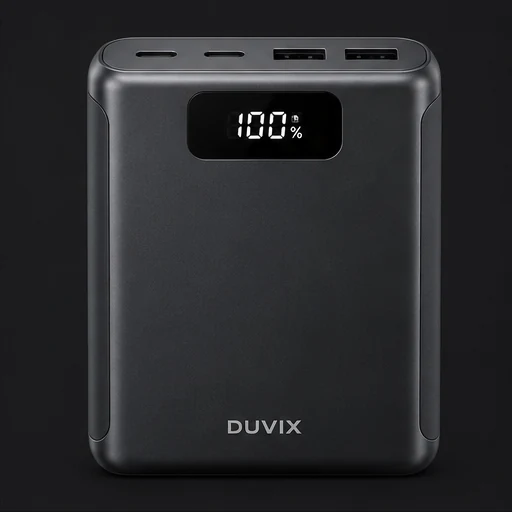
Start with the device’s power requirements
Look at the device manual or its original charger for the recommended USB-C power and charging protocol. A phone or earbuds may suit a compact bank. A laptop typically calls for a bank that supports the laptop’s required USB-C Power Delivery profile.
Check the cable and the port
Choose a USB-C cable rated for the power you need. On a multi-port bank, check the output of the specific port and how power is shared when several devices are plugged in. If you also need video or fast data transfer, look for those capabilities explicitly.
Choose a size you’ll carry
DUVIX’s charging concepts include slim, magnetic wireless, built-in cable, and laptop-oriented power banks. Compare size and weight alongside capacity. Treat the listed output and capacity as design targets until final specifications are available.
What to compare before buying
Check that the power bank and cable both support the charging wattage your device requires, including when several ports are active.