
Connect a Phone to a Projector: USB-C, HDMI or Wireless
Choose between a wired video adapter, compatible wireless mirroring, or a dedicated streaming device.
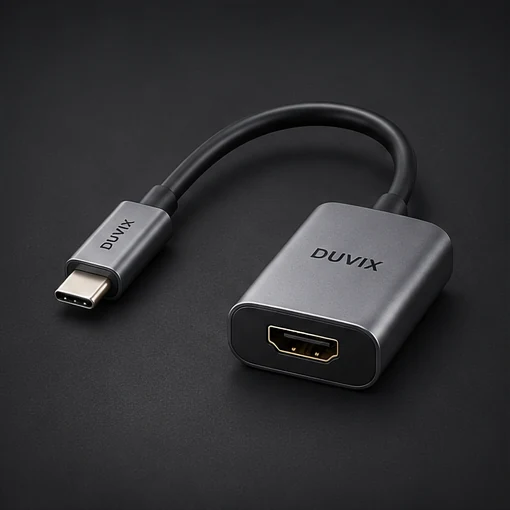
Check whether your phone supports wired video
A USB-C connector alone does not guarantee video output. Check the phone manufacturer’s specifications and use an adapter that supports the phone and the projector’s HDMI input. Select the right source on the projector and test with photos or a presentation first.
Match the wireless method on both devices
Check which mirroring standard your phone and projector or receiver support. Some systems require both devices to use the same Wi-Fi network. Shared networks may filter direct device discovery, so test in the room where you’ll actually present.
Try your real content before leaving
Some streaming services restrict screen mirroring. If an app fails while a photo works, check the service’s supported playback options or use a streaming device connected directly to HDMI. For a presentation, save an offline copy and keep a wired fallback.
Browse related DUVIX products → · Request a quote →
What to test first
Check whether your exact phone supports wired video output through its USB-C port before buying an HDMI adapter.