
Interactive Flat Panel for Meeting Rooms in Malaysia
Use a ten-minute trial to check whether a meeting room touchscreen fits the way your team presents, annotates and shares decisions.
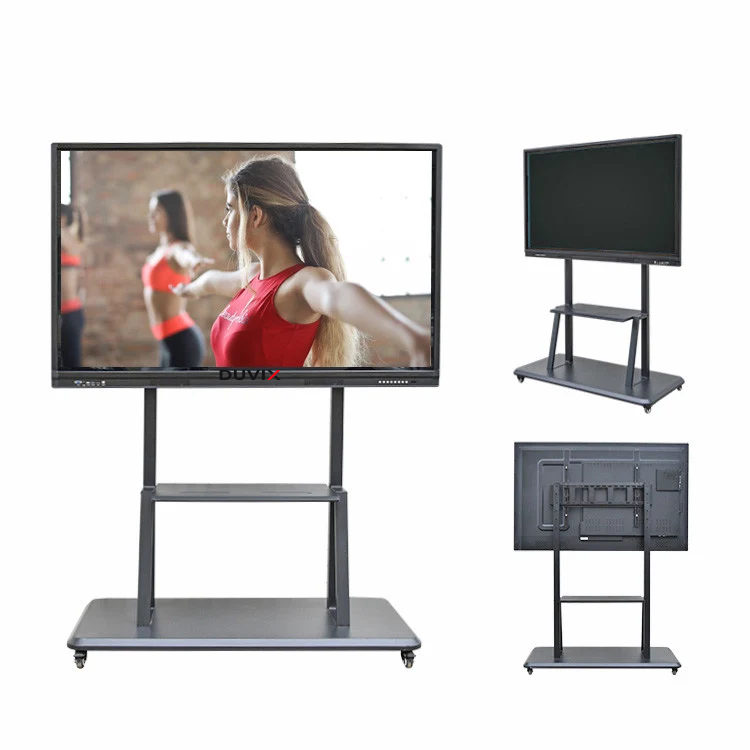
Give a visitor the first turn
Bring a guest laptop and the cable normally kept in the room. Ask someone unfamiliar with the panel to present a spreadsheet and mark one cell by touching the screen. Seeing a picture alone does not establish that touch input returns to the laptop. Record the cable, port and settings that worked.
Run one hybrid meeting
Invite a colleague to join remotely. Annotate a floor plan and ask the remote participant to read back the change. Next, switch presenters. Check whether the second presenter can take over without losing the notes and whether the remote participant sees the same content as the room.
Check what the next team can see
Save the annotated plan where the team needs it, end the meeting and start a fresh session. Check for the previous file or signed-in account. Ask the supplier to demonstrate the reset process and list any licences, camera, microphone or cables included in its quotation.
Explore DUVIX interactive panels · Request a quote
What to test in the meeting room
Try joining a call from a guest laptop and confirm whether one cable handles display, touch and charging as required.