
65 vs 75 vs 86 Inch Interactive Flat Panel for Schools
Before choosing a classroom touchscreen, compare all three sizes using the smallest text your pupils need to read.
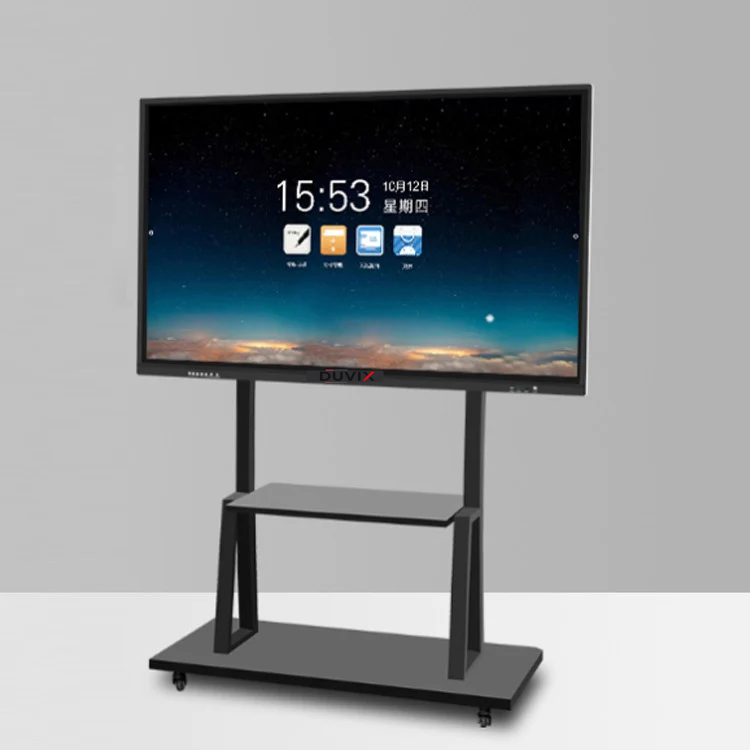
Start in the last row
Ask a teacher to bring a maths worksheet, a labelled diagram and a slide used in class. Display each at its usual zoom. From the last seat, can pupils distinguish a decimal point from a speck and read the smallest diagram label? Record which size passes with the room lights on.
Check the writing height
Mark each proposed panel outline on the teaching wall with removable tape. Invite a teacher and a pupil to reach the upper writing area and the lower toolbar. A larger screen can help the back row while putting controls beyond a younger pupil’s reach. Try the actual software before settling on the mounting height.
Compare quotes on the same basis
Send DUVIX the front-wall width, last-row distance and a sample worksheet. Ask for separate figures in RM for the panel, mount or trolley, delivery, installation and teacher handover. This makes it easier to see what the step from 65 to 75 or 86 inches actually buys your school.
Explore DUVIX interactive panels · Request a quote
What to check at school
Display the same worksheet at 65, 75 and 86 inches and check text from the back row and touch reach at the front.