
Interactive Whiteboard vs Flat Panel for Schools
Start with the equipment already in your classroom. An existing projector changes what belongs in a whiteboard or touchscreen quotation.
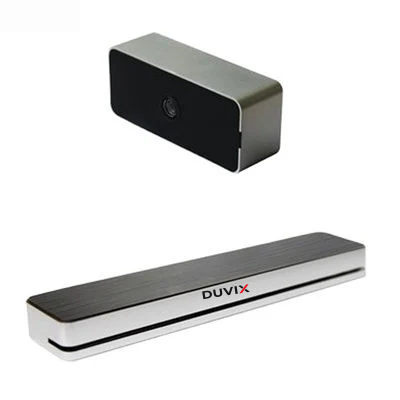
Identify what produces the picture
The term smart board can describe different setups. Ask the supplier to show whether the writing surface displays an image by itself or needs a separate projector. For a projector-based proposal, try writing across a bright worksheet and watch for your shadow. For a flat panel, check reflections from the windows at the same teaching position.
Run the same five-minute lesson
Connect the teacher’s usual laptop, open a bilingual worksheet, circle a word, erase the mark and save the result. Have a second teacher repeat the exercise without help. Record setup time, any calibration and where the file ends up. Ask which existing equipment can be reused and what happens to the lesson if a pen goes missing.
Explore related DUVIX products · Request a quote
What to check at school
Compare a sample lesson on both systems, including startup time, reading small text and reopening saved annotations.